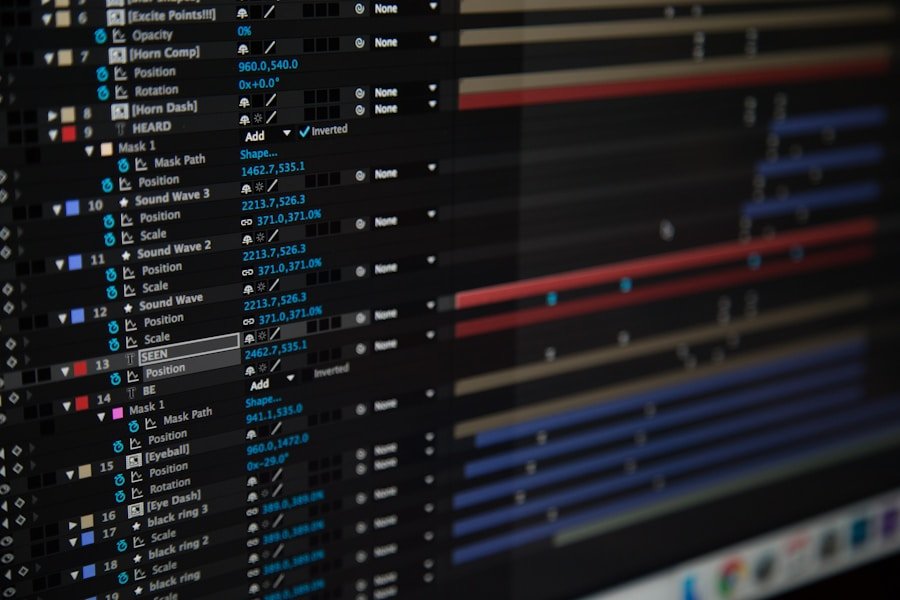

When it comes to creating a professional-looking video, choosing the right software is crucial. There are a plethora of options available, each with its own set of features and capabilities. It’s important to consider your specific needs and skill level when selecting the right software for your project. If you’re a beginner, you may want to start with a user-friendly program that offers basic editing tools and templates. On the other hand, if you’re more experienced and looking for advanced features, you may want to opt for a more robust editing software that offers a wide range of tools and effects.
Some popular video editing software options include Adobe Premiere Pro, Final Cut Pro, and DaVinci Resolve. These programs offer a wide range of features, including advanced editing tools, color correction, and special effects. Additionally, there are also free or budget-friendly options available, such as iMovie or Windows Movie Maker, which are great for beginners or those on a tight budget. Ultimately, the right software for you will depend on your specific needs, budget, and level of expertise. It’s important to do your research and consider all of your options before making a decision.
When it comes to choosing the right software for your video editing needs, it’s important to consider factors such as your skill level, budget, and specific project requirements. Whether you’re a beginner looking for a user-friendly program or an experienced editor in need of advanced features, there are plenty of options available to suit your needs. Take the time to research and compare different software options to find the best fit for your project. With the right software in hand, you’ll be well on your way to creating professional-looking videos that will impress your audience.
Organizing Your Footage
Once you’ve chosen the right software for your video editing needs, it’s time to organize your footage. This step is crucial for ensuring a smooth and efficient editing process. Before you start importing your footage into the editing software, take the time to organize and label your files in a way that makes sense to you. This will make it easier to locate specific clips and scenes as you work on your project.
One way to organize your footage is by creating folders for different types of content, such as interviews, b-roll, and music. Within each folder, you can further organize your files by date, location, or any other relevant criteria. This will make it easier to find the footage you need when it comes time to edit. Additionally, consider creating a storyboard or shot list to help you visualize how you want to arrange your footage in the final video. This can be especially helpful for longer or more complex projects.
Organizing your footage is an essential step in the video editing process. By taking the time to label and organize your files in a way that makes sense to you, you’ll save yourself time and frustration down the line. Whether you’re working on a short film or a corporate video, having a well-organized library of footage will make the editing process much smoother and more efficient. With your footage organized and ready to go, you’ll be well-prepared to start crafting your video masterpiece.
Trimming and Cutting
Once you have organized your footage and imported it into your chosen editing software, it’s time to start trimming and cutting your clips. This step is crucial for removing any unnecessary or unwanted footage and creating a cohesive narrative flow. Begin by reviewing each clip and identifying the best moments to include in your video. Look for any mistakes, awkward pauses, or irrelevant content that can be trimmed or cut altogether.
Most editing software programs offer a range of tools for trimming and cutting footage, such as the razor tool or trim tool. These tools allow you to easily cut and remove unwanted sections of your clips with precision. As you work through your footage, pay attention to the pacing and rhythm of your video. Consider how each clip flows into the next and make adjustments as needed to create a seamless transition between scenes.
Trimming and cutting your footage is an essential step in the video editing process. By removing any unnecessary or unwanted content, you’ll be able to create a more polished and professional-looking video. Take the time to review each clip carefully and make strategic cuts to ensure that your video flows smoothly from start to finish. With careful attention to detail and a keen eye for pacing, you’ll be well on your way to creating a compelling and engaging video.
Adding Transitions and Effects
Once you have trimmed and cut your footage, it’s time to add transitions and effects to enhance the visual appeal of your video. Transitions are used to create smooth transitions between scenes or clips, while effects can be used to add visual interest or enhance the overall look of your video. Most editing software programs offer a wide range of transitions and effects that can be easily applied to your footage.
When adding transitions, consider the mood and tone of your video. For example, if you’re creating a lighthearted or upbeat video, you may want to use fun and playful transitions such as wipes or zooms. On the other hand, if you’re working on a more serious or dramatic project, subtle fades or cross dissolves may be more appropriate. Experiment with different transition options to find the best fit for your specific project.
In addition to transitions, consider adding effects such as color correction, filters, or text overlays to enhance the visual appeal of your video. These effects can help create a cohesive look and feel throughout your video while also drawing attention to key elements or messages. When using effects, be mindful of not overdoing it – subtlety is often key when it comes to creating a polished and professional-looking video.
Adjusting Color and Exposure
After adding transitions and effects, it’s important to pay attention to color correction and exposure adjustments in order to ensure that your video looks its best. Color correction involves adjusting the color balance, saturation, and contrast of your footage to create a consistent and visually appealing look throughout your video. Exposure adjustments involve fine-tuning the brightness and contrast of your clips to ensure that they are well-lit and easy to see.
Most editing software programs offer a range of tools for color correction and exposure adjustments, such as color wheels, curves, and levels adjustments. These tools allow you to make precise adjustments to the color and exposure of your footage in order to achieve the desired look. When making these adjustments, consider the overall mood and tone of your video and make adjustments accordingly.
In addition to color correction and exposure adjustments, consider using color grading techniques to further enhance the visual appeal of your video. Color grading involves applying specific color tones or styles to create a unique look for your video. Whether you’re going for a warm and inviting look or a cool and moody aesthetic, color grading can help you achieve the desired visual style for your project.
Incorporating Music and Sound Effects
In addition to visual elements, music and sound effects play a crucial role in creating an engaging and immersive video experience. When incorporating music into your video, consider the mood and tone of your project. Whether you’re looking for upbeat and energetic music for a promotional video or soft and soothing music for a documentary, choose music that complements the overall feel of your video.
When selecting music for your video, consider using royalty-free music or obtaining the necessary licenses for any copyrighted material. There are plenty of websites that offer affordable or free music tracks that can be used in videos without any legal issues. Additionally, consider using sound effects to enhance specific moments in your video, such as transitions between scenes or dramatic moments in the narrative.
When incorporating music and sound effects into your video, pay attention to timing and placement in order to create a seamless audio-visual experience. Consider how music can enhance specific moments in your video or create emotional impact, while sound effects can add depth and realism to key scenes. With careful consideration of audio elements, you’ll be able to create a fully immersive experience that captivates your audience.
Exporting and Sharing Your Video
Once you have completed all of the necessary editing and enhancements for your video, it’s time to export and share your final product with the world. Most editing software programs offer a range of export options that allow you to save your video in various formats suitable for different platforms or devices. Consider where you plan to share your video – whether it’s on social media platforms like YouTube or Vimeo, or on television or film festivals – in order to choose the appropriate export settings.
When exporting your video, pay attention to resolution, frame rate, and compression settings in order to ensure that your video looks its best when viewed by others. Additionally, consider adding metadata such as titles, descriptions, and tags when uploading your video online in order to optimize its visibility and searchability.
In addition to sharing your video online, consider creating physical copies or DVDs for distribution if necessary. Whether you’re sharing your video with clients, friends, or family members, having physical copies can be a great way to ensure that your work reaches its intended audience.
In conclusion, creating a professional-looking video involves careful consideration of various elements such as software selection, organization of footage, editing techniques, audio elements, and sharing strategies. By taking the time to carefully plan and execute each step of the process, you’ll be able to create compelling videos that captivate audiences and leave a lasting impression. With dedication and creativity, anyone can become proficient at video editing and produce high-quality content that resonates with viewers around the world.